 resman
File manager for Android
Files and ZIPs.
On any screen.
A fast file manager for Android. Browse ZIP archives without extracting them, and switch to a true E-Ink mode on reading devices.
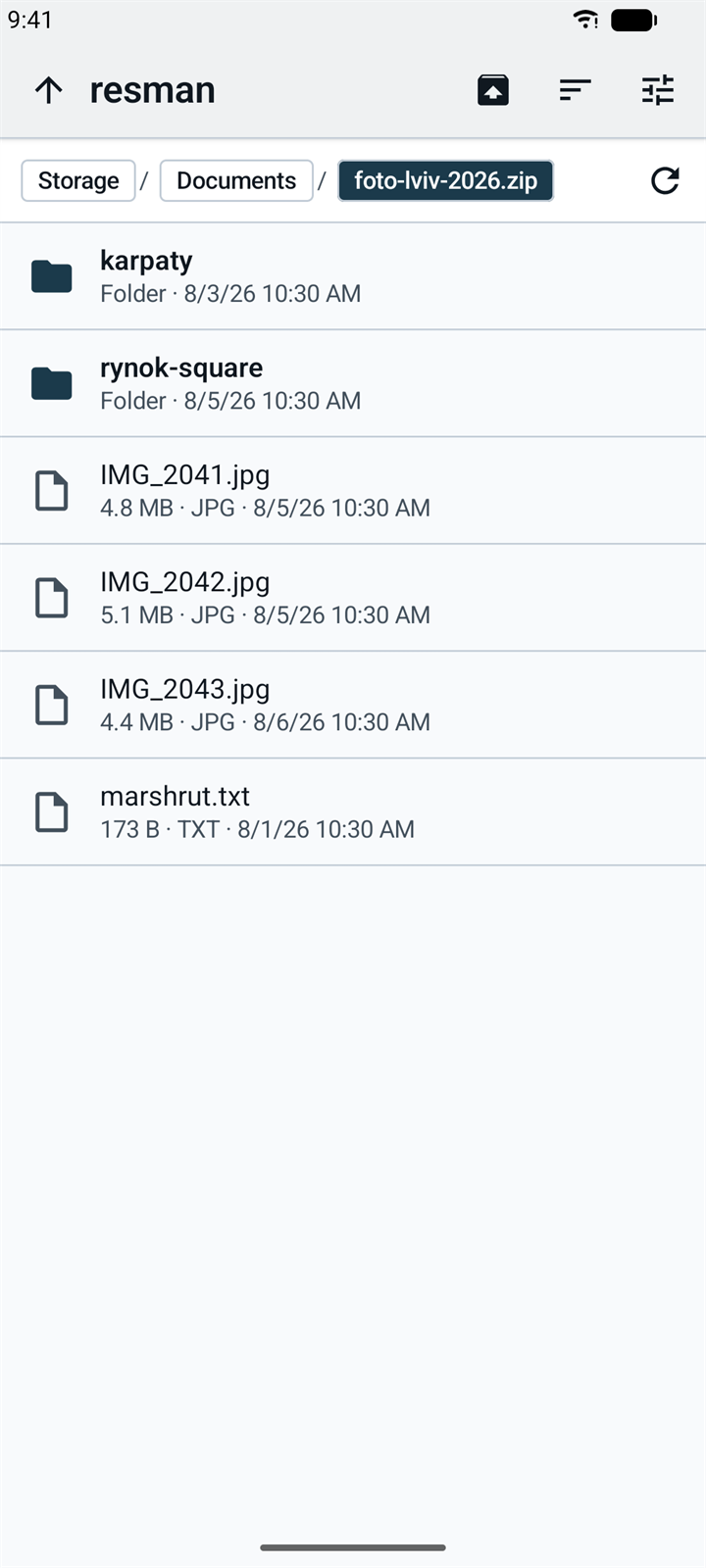
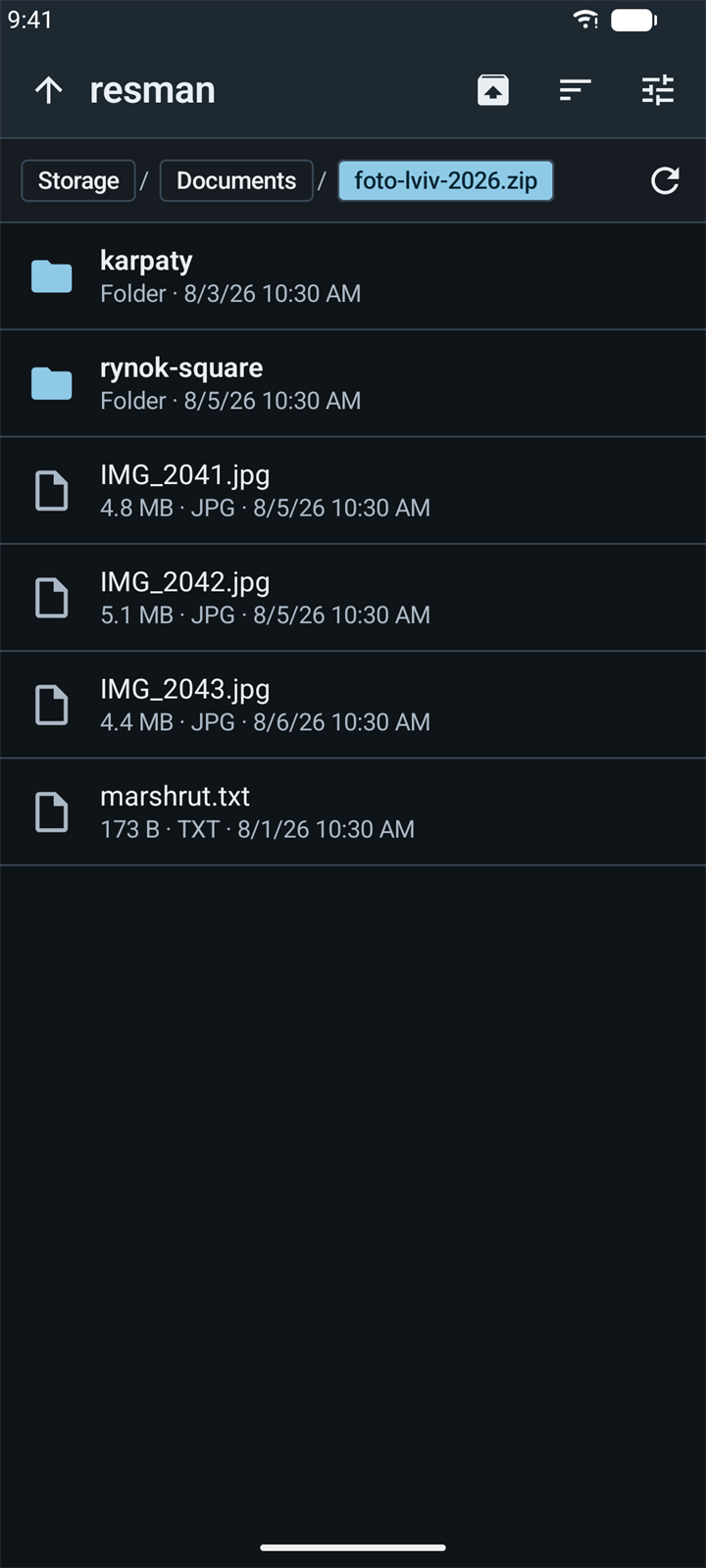
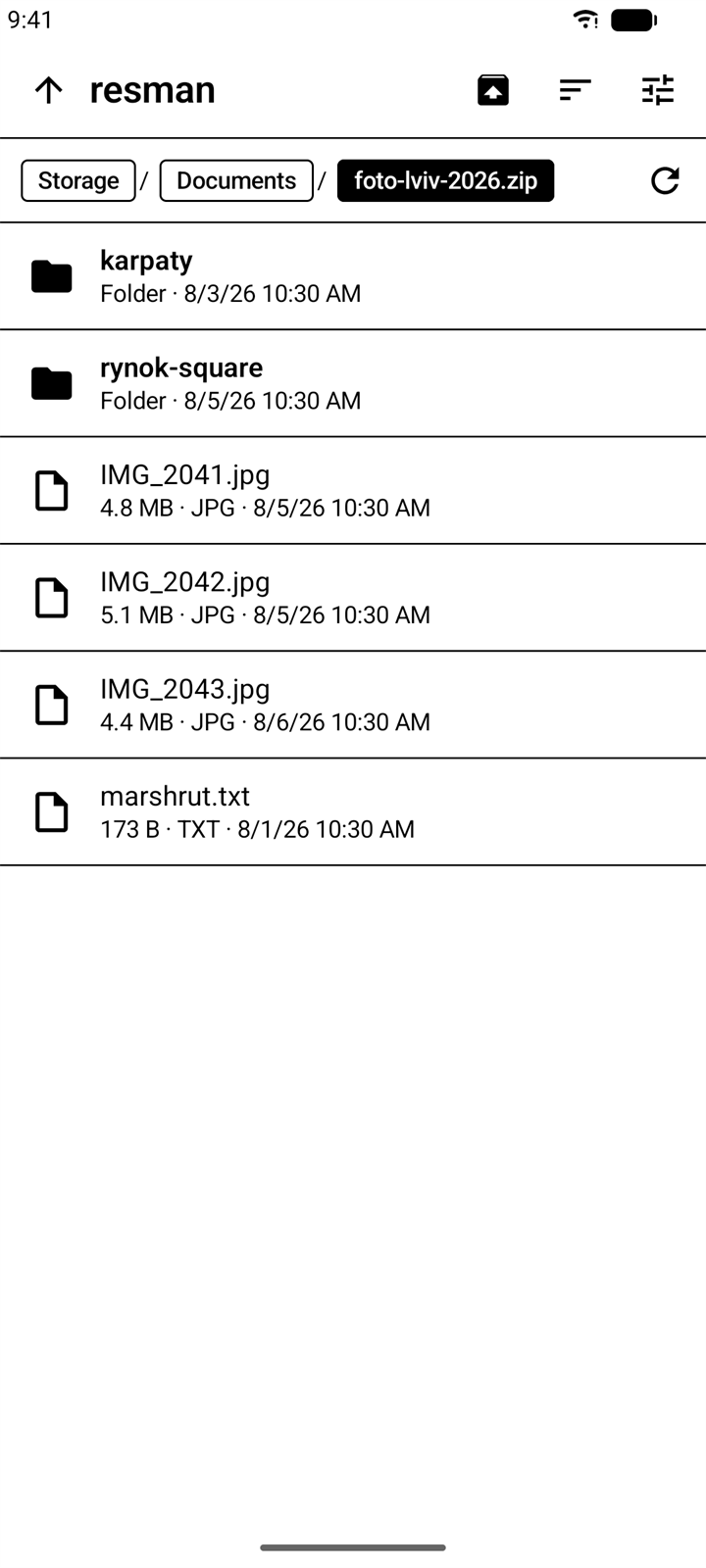
- ZIP without extracting
- Light, Dark and E-Ink
- No internet permission
- English, Ukrainian, Russian
Every day
Everyday file work.
Browse, sort, copy and find files on your phone without menus in the way.
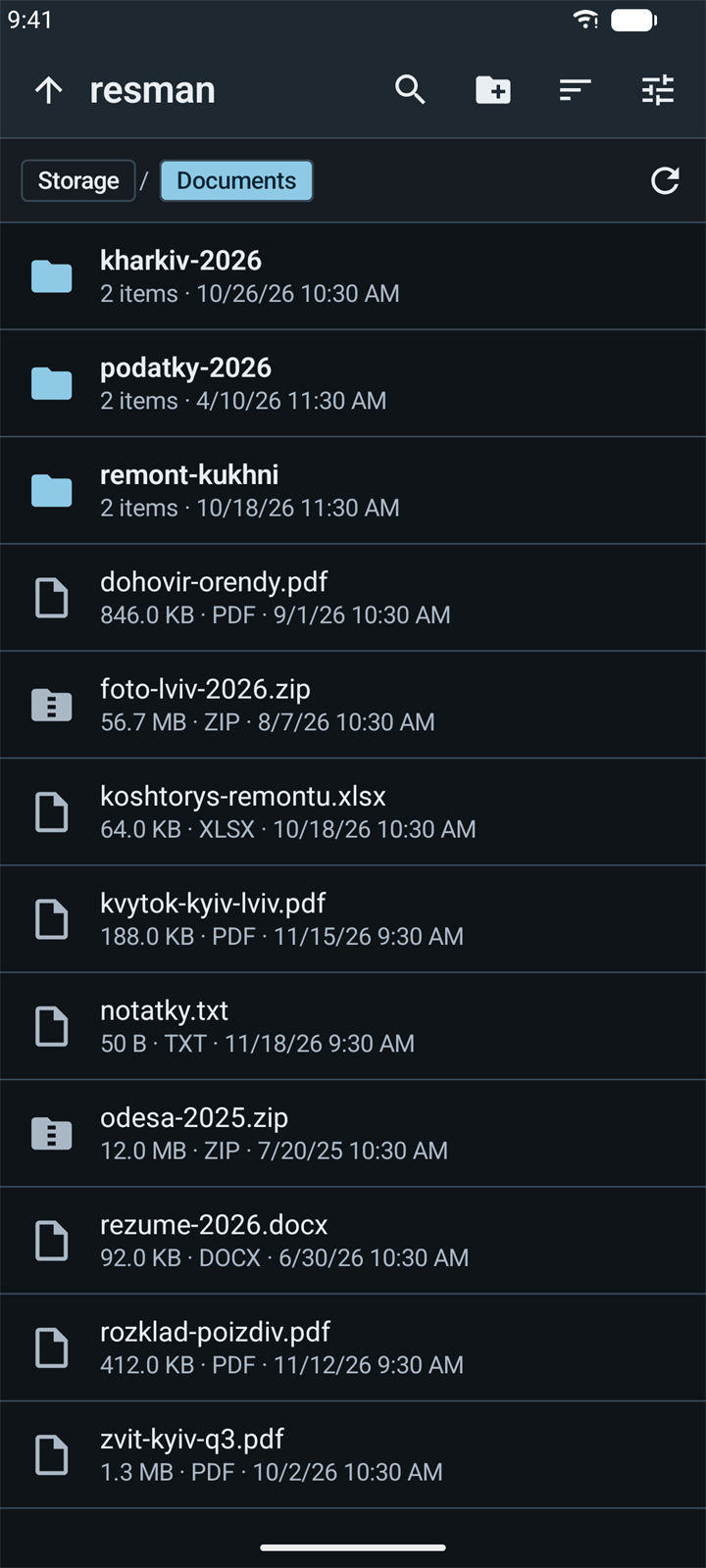
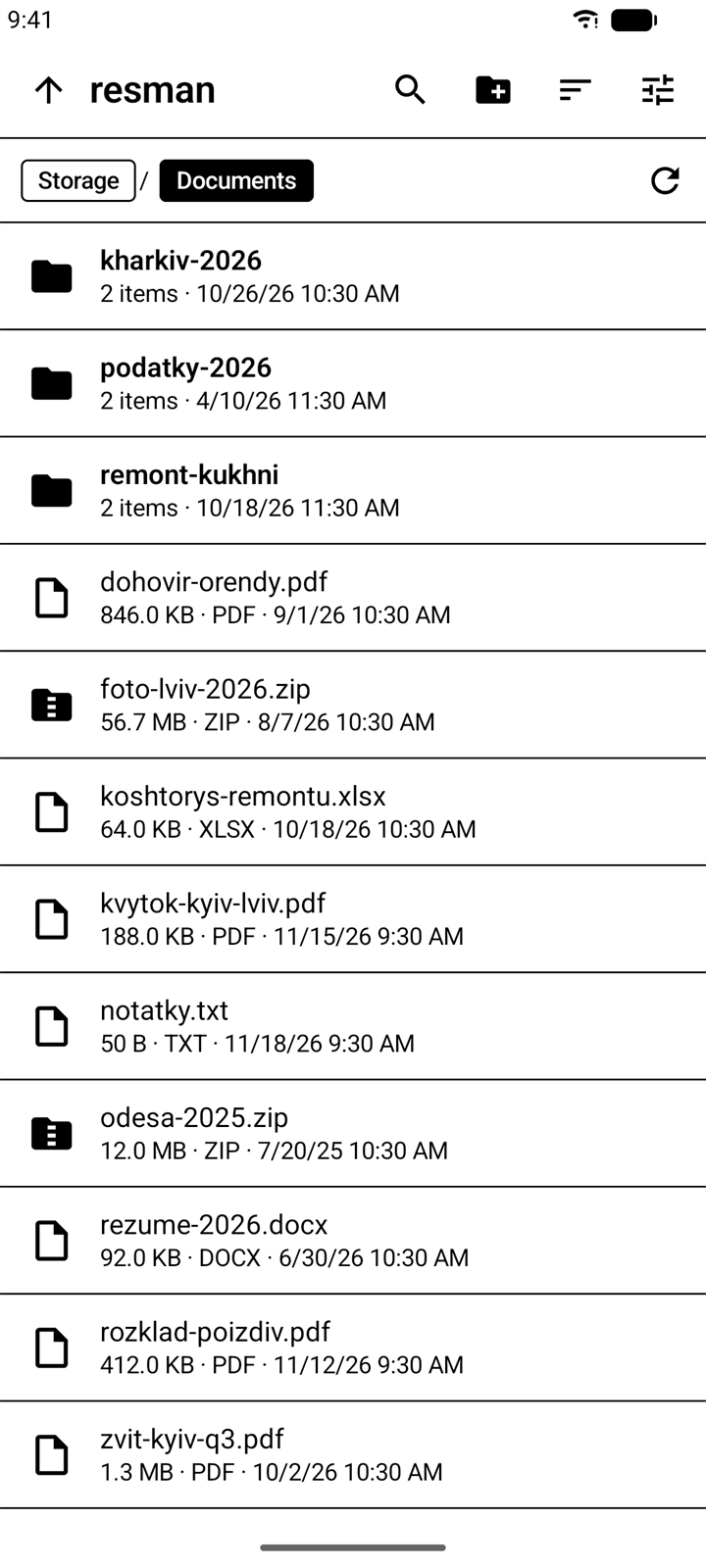
Browse with a clear path.
The path bar shows where you are, and every folder in it is one tap away. Sort by name, size, date or type.
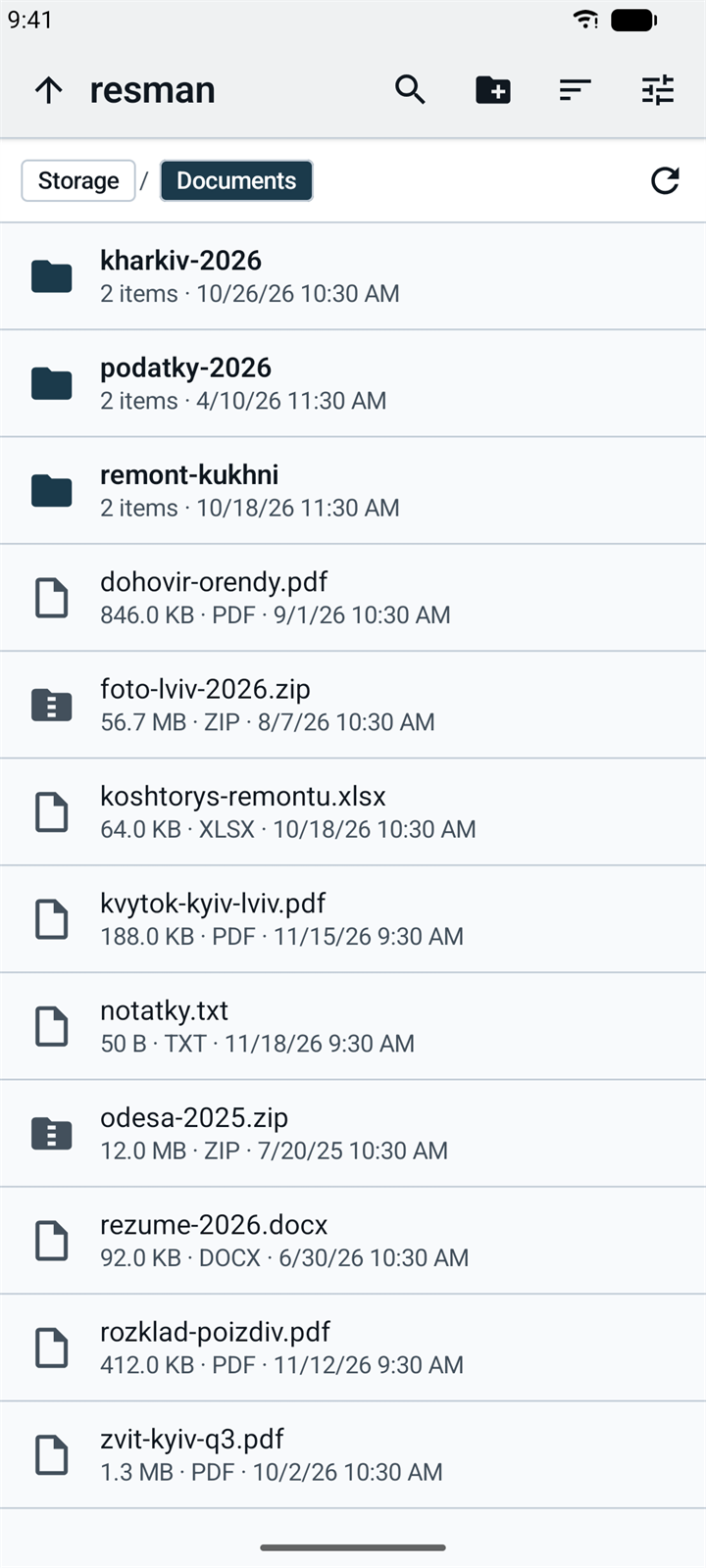
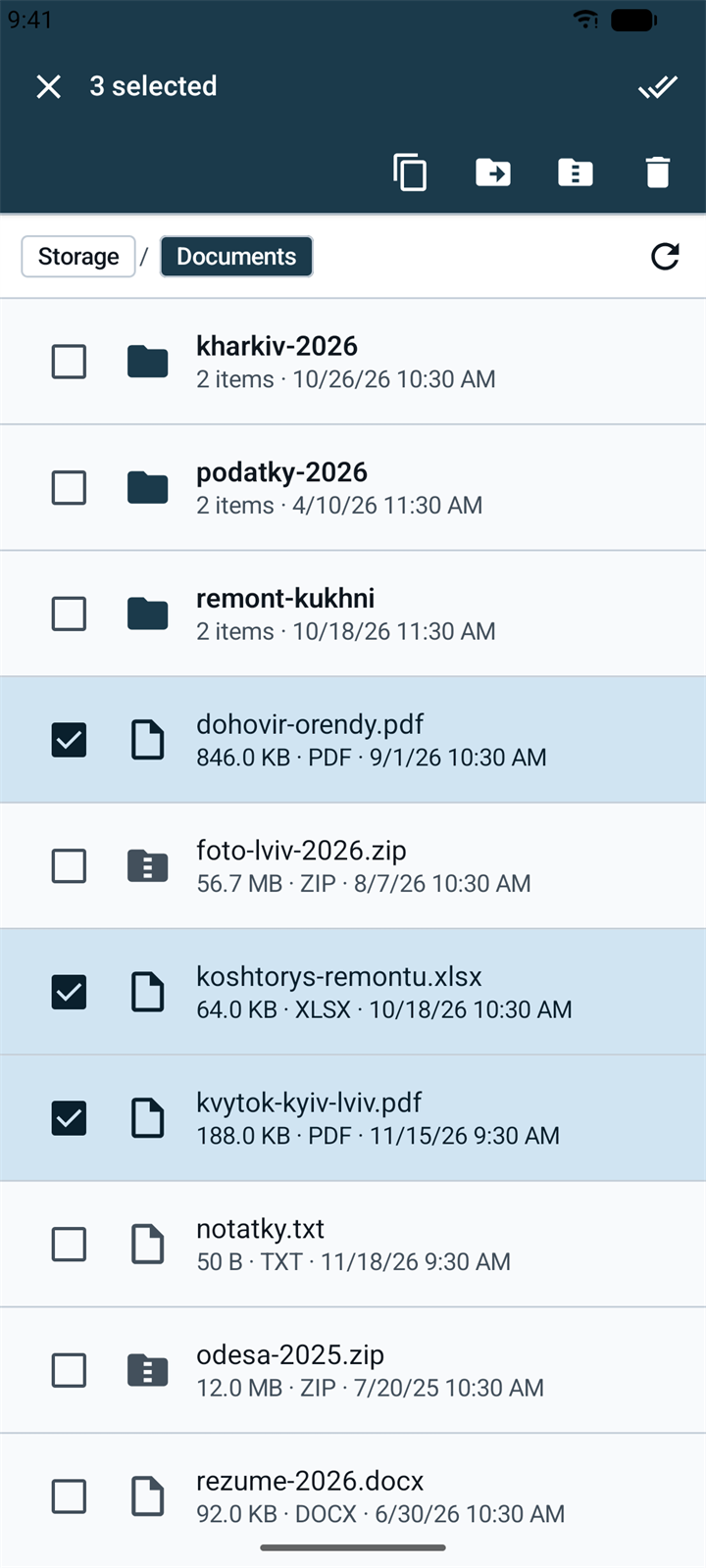
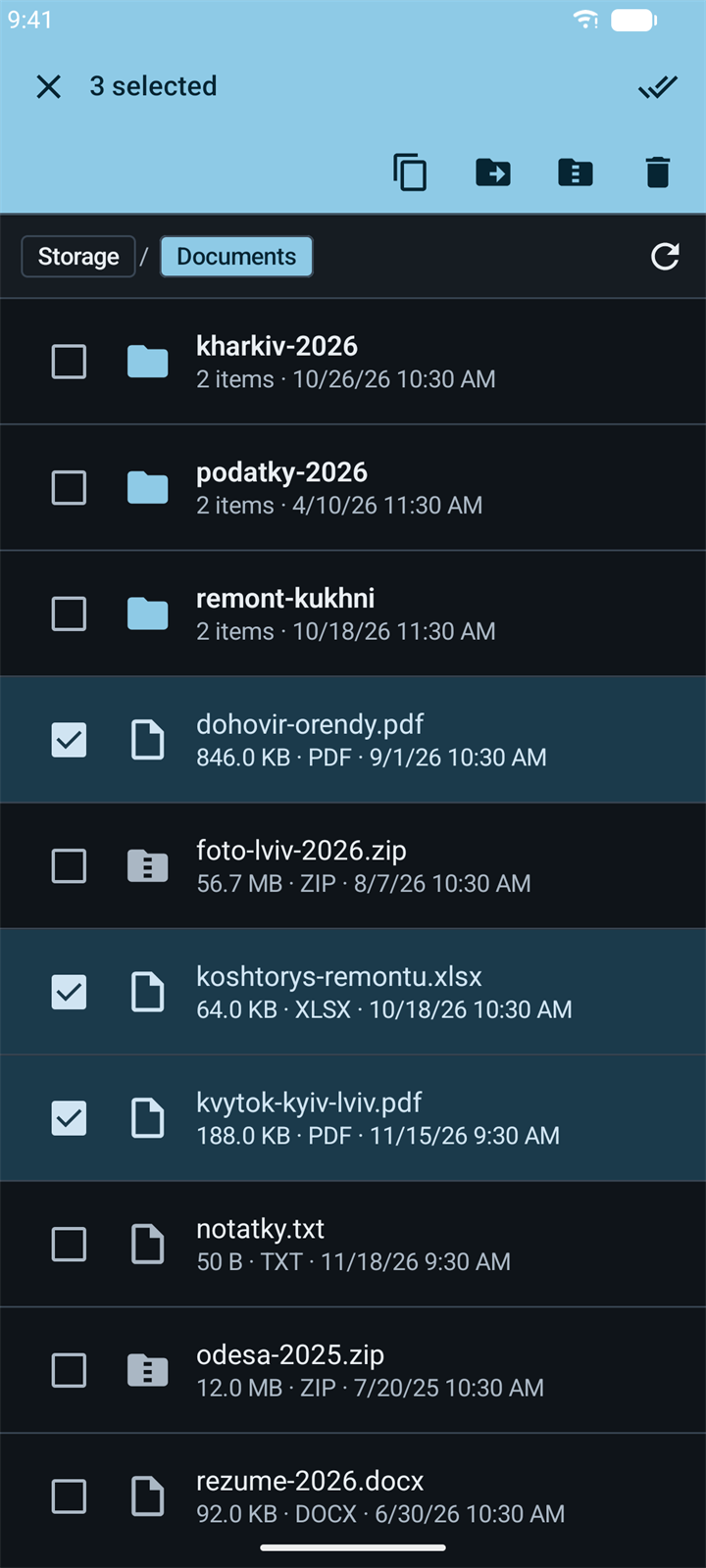
Copy, move, rename. See every step.
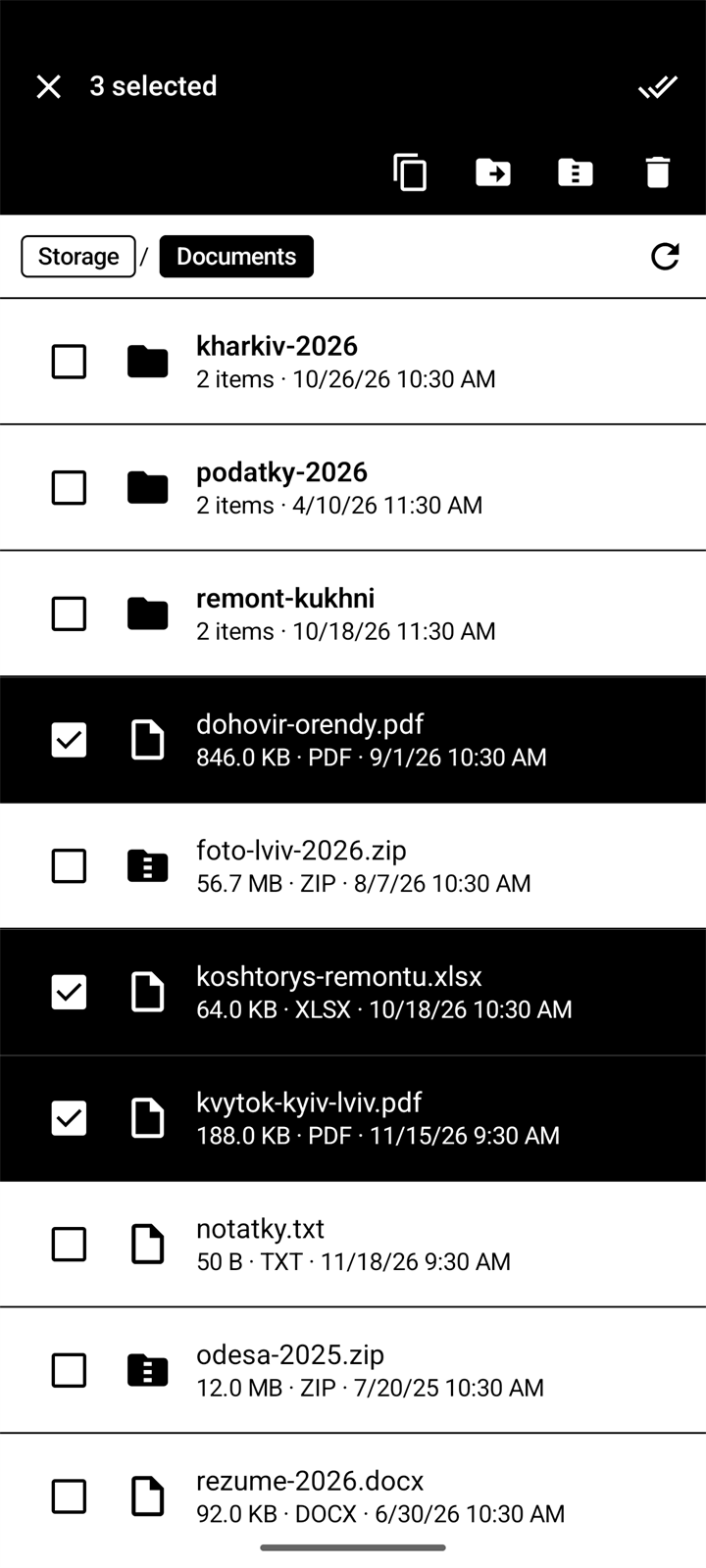
Select several files at once. When a name is already taken, resman asks what to do, and long operations show their progress.
Also in resman
Find it by name.
Search the current folder and every folder inside it.
In your language.
The interface is in English, Ukrainian and Russian.
ZIP archives
Open a ZIP like a folder.
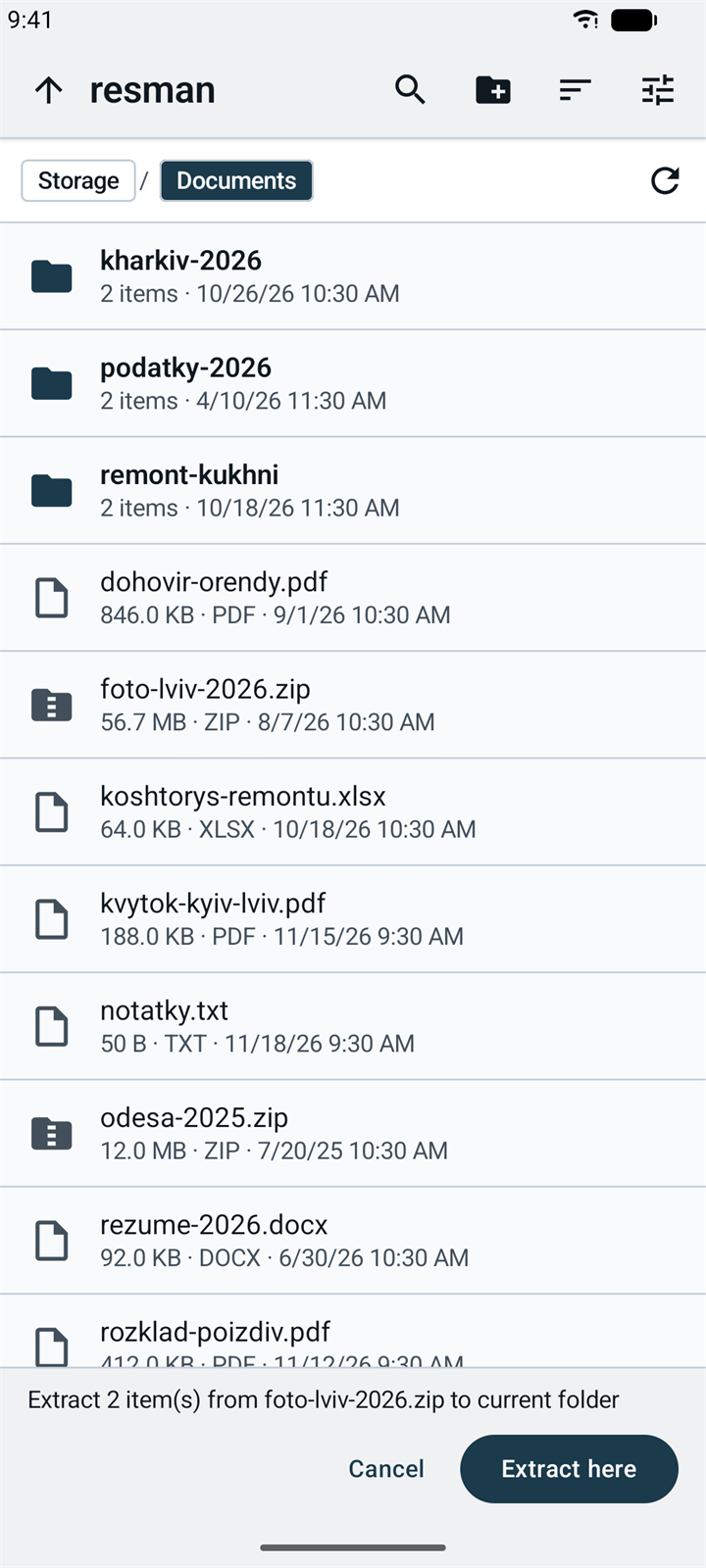
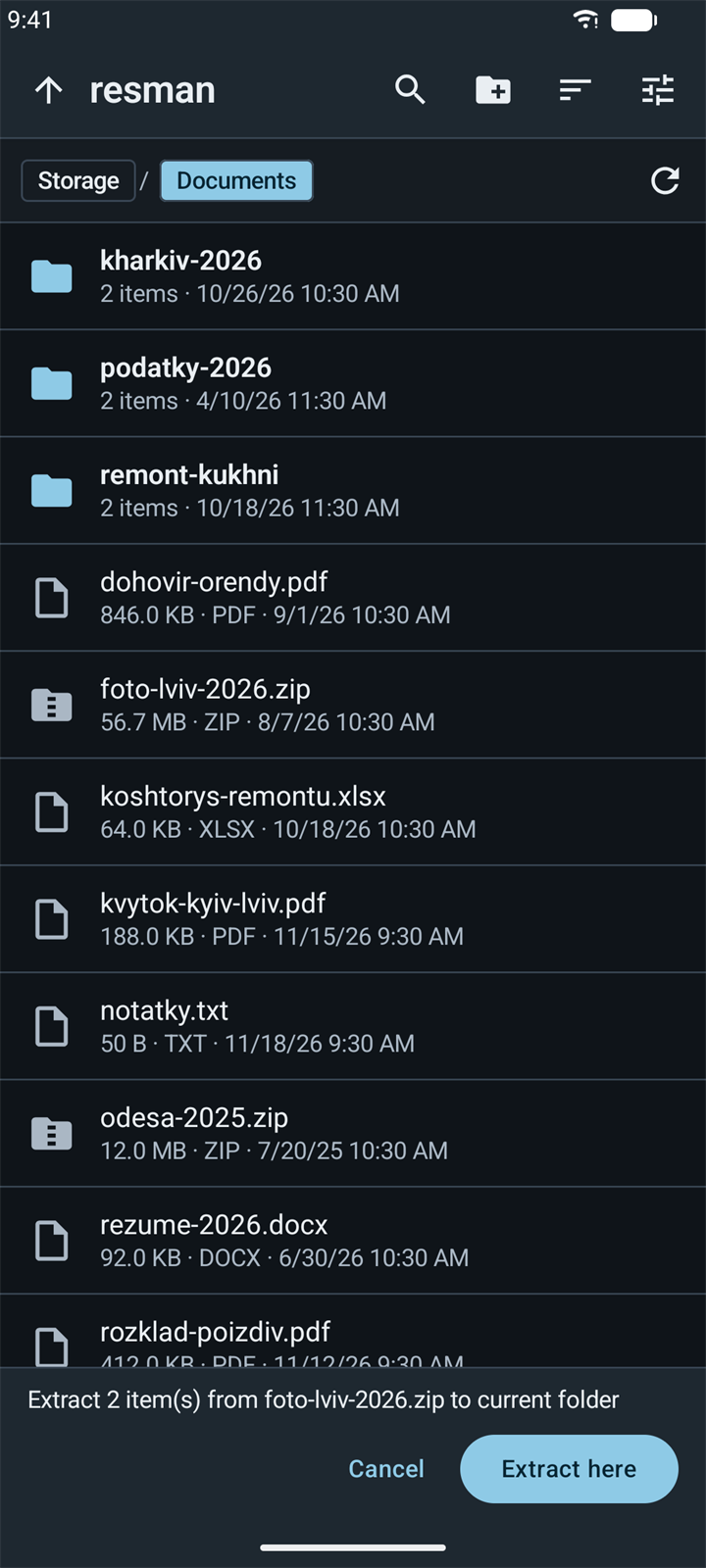
See folders, sizes and dates inside an archive without unpacking it. Take out only what you need.
- Tap a .zip file. It opens like any other folder.
- Select the files you need, or skip this step to take everything.
- Tap the extract button and choose Extract to….
- Open the destination folder and tap Extract here.
- Compress to ZIP packs any selection of files and folders.
- Large archives show their progress.
E-Ink mode
Made for paper-like screens.
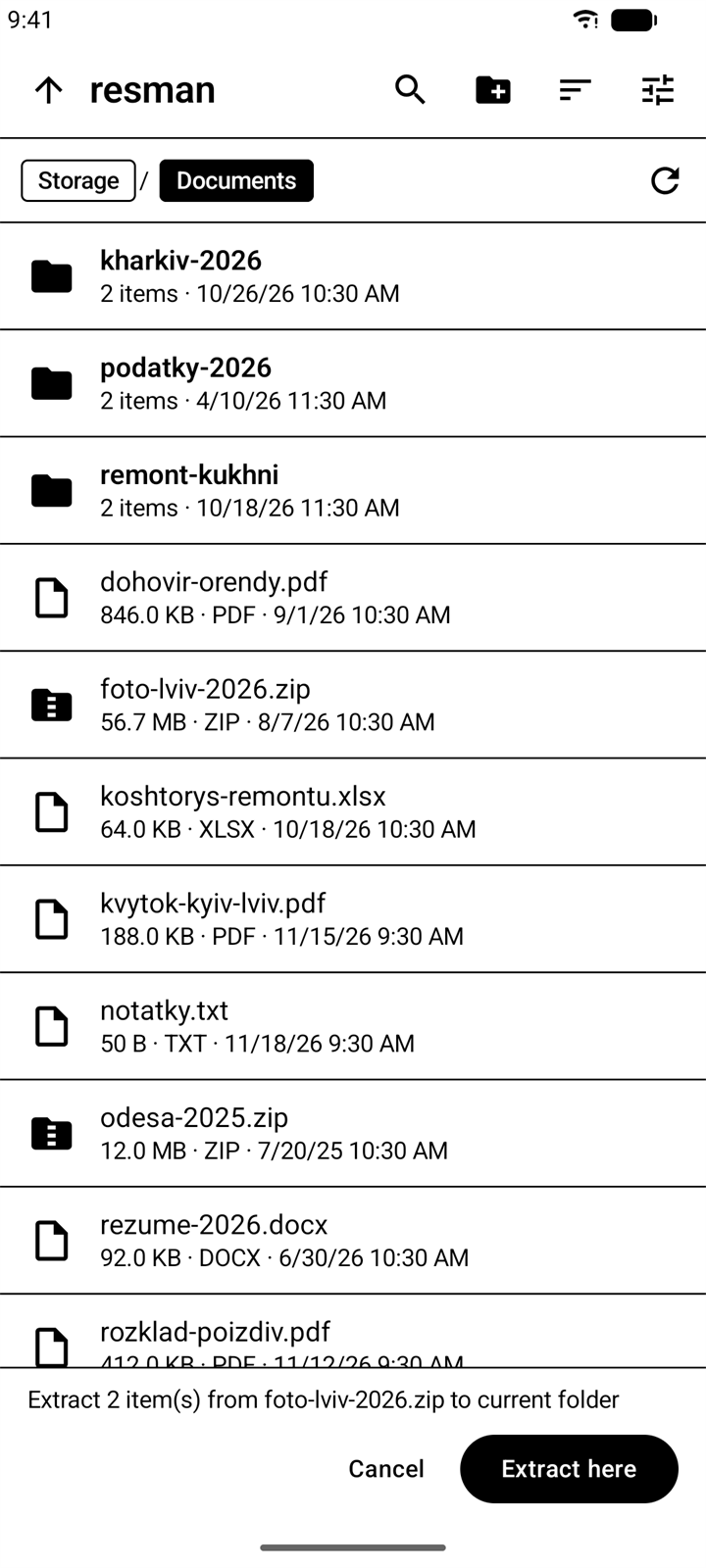
A separate theme for Android E-Ink readers such as Onyx Boox. Nothing on screen depends on grays, shadows or motion.
- Only black and white, no grays.
- Crisp 1 px borders instead of shadows.
- No animations, ripples or fades.
- Turn it on in Settings.
Privacy
Why resman asks for All files access.
Android lets a file manager either see only the files you pick one by one, or see all files. To show every folder, resman needs All files access. It reads and changes files only when you ask it to.
- No internet permission: resman cannot send your files anywhere.
- No ads, no analytics, no account.
- Settings stay on your phone.
| Permission | Why |
|---|---|
All files accessMANAGE_EXTERNAL_STORAGE | To browse every folder, open ZIP archives, and copy, move, rename or delete files when you ask. |
Install
- Download the APK on your phone.
- Open the file. When Android asks, allow your browser or file manager to install apps.
- Open resman.
Android 11 or newer. To update, download the new APK and install it over the current version. Your settings stay.
Verify the download
loading…loading…Compare with the output of apksigner verify --print-certs. Release info (JSON)
Questions
Which Android versions are supported?
Android 11 or newer.
Does resman open RAR or 7z?
No. resman works with ZIP archives: it opens, extracts and creates them.
Does it work on E-Ink readers?
Yes. Turn on the E-Ink theme in Settings. It was built for Android readers such as Onyx Boox.
Why is it not on Google Play?
resman is distributed as an APK from this site. Every release lists the SHA-256 of the file and of the signing certificate, so you can check what you install.
How do I update?
Download the new APK and install it over the current version. Your settings stay.